
How to Hide Online Status and Last Seen in GB WhatsApp
Online status and last seen tell other people when you are active and when you last opened the app. GB WhatsApp versions usually let you hide both, often in a single privacy area, though the exact options differ between builds.
Online Status vs. Last Seen
These two indicators are related but separate. Online status shows you are using the app right now, while last seen records the time you were last active. Some versions control them with one setting, others keep them independent.
Check what your build actually offers before deciding which one to hide.
How to Hide Your Online Status
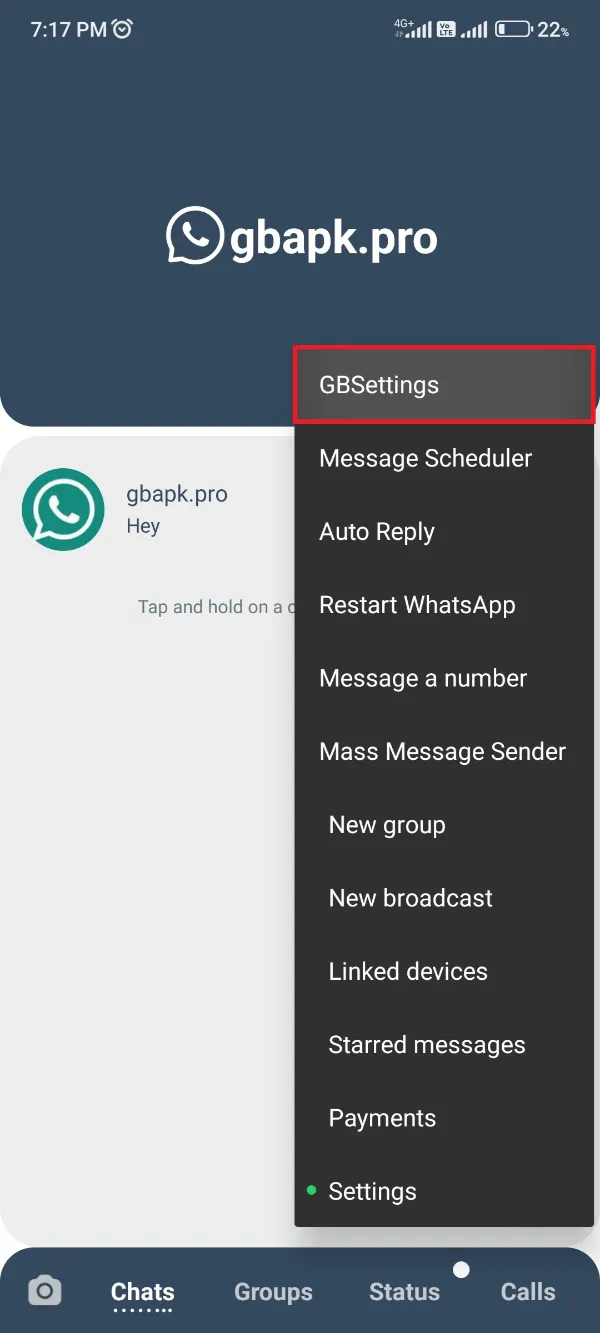
- Open GB WhatsApp and go to its settings area.
- Find the privacy section, or a section with privacy and security options.
- Look for the online status option and choose who can see it, often everyone, contacts, or nobody.
- Save, then ask a trusted contact to check whether you appear offline.
Hiding online status may not apply in every situation, such as while you are actively viewing a chat.
How to Hide Your Last Seen
- In the same privacy area, find the last seen option.
- Choose the audience, or select nobody to hide it completely.
- Confirm the change and test with a contact.
On many versions, hiding last seen also hides other people’s last seen from you. This two-way behavior is normal, not a bug.
Trade-Offs of Hiding Your Activity
- Hiding your own status often hides other people’s status from you as well.
- Contacts may think you are ignoring them when your activity is never visible.
- Updates can reset privacy options, so revisit the section after every update.
Visibility options can also vary by version. The GB WhatsApp old versions page explains why an option present in one release may be absent in another.
When the Option Is Missing or Does Not Seem to Work
Option missing
Your build may not include it, or it may live under a different menu name. Check the privacy area fully before assuming the feature is gone.
Status still visible
Test in a real conversation. Some versions keep you visible while a chat is open, even with the setting enabled.
Reset after update
Revisit the privacy section after updating, since updates frequently reset visibility choices.
Summary
Hide online status and last seen from the app’s privacy section, choose your audience, and test the result with a trusted contact. Remember that hiding often works both ways.
For a general introduction to the app, visit the GB WhatsApp homepage.
Frequently Asked Questions
That depends on your version. Some builds offer per-contact controls, others only global choices like everyone, contacts, or nobody.
On many versions yes: when you hide your own, you also stop seeing other people’s last seen.
Online status and read receipts are separate. Hiding online status does not hide blue ticks unless you also change that setting.
Updates can restore defaults or move options. Review the privacy section after every update.